How Cross-Platform Development with Flutter Saves Time & Cost
Introduction: Why Businesses Are Choosing Smarter App Development in 2025
Every modern business is thinking mobile-first, whether it’s for customer experience, automation, or sales.
But there’s a classic question that every product manager or founder faces:
“Do we build two native apps (iOS and Android) or find a better way to save time and cost without compromising quality?”
Launching a mobile app is no longer a luxury as it’s a business imperative. But here’s the twist: you no longer need two development teams, double the budget, and twice the timeline to go live on iOS and Android.
At O Clock Software Pvt Ltd, we’ve spent 15+ years helping companies from startups to enterprises rethink how apps are built faster, leaner, and smarter. And in the past 8 years, since Flutter, Google’s open-source UI toolkit, came in, It enables cross-platform development — meaning, you build one app and it runs beautifully on both iOS and Android.
This isn’t just about writing less code. It’s about thinking smarter in how we build, deploy, maintain, and scale apps — and save real time and money.
If you’re looking to launch a polished app on both platforms — in half the time and at 60% of the cost — this article is for you.
What is Flutter and Why It’s Worth Your Attention?
Flutter is a UI toolkit by Google that enables developers to build beautiful, high-performance apps for iOS, Android, web, desktop, and even embedded systems — all from a single codebase using the Dart language and compiles directly to native ARM code, allowing your app to run at near-native speeds. It offers pre-built widgets for both Material Design (Android) and Cupertino (iOS).
But more importantly: Flutter enables you to write once and run everywhere, with fewer bugs, unified designs, and faster testing cycles.
Unlike other frameworks that “bridge” between native and non-native code, Flutter compiles to native machine code, delivering the same performance as Swift or Kotlin, but with less complexity.
O Clock Insight:
Our development team reduced a 6-month mobile app project into just 11 weeks using Flutter — launching simultaneously on the App Store and Google Play without compromising quality.
Where Flutter Saves Time: A Developer’s Perspective
1. Unified Codebase = 50% Less Coding Time
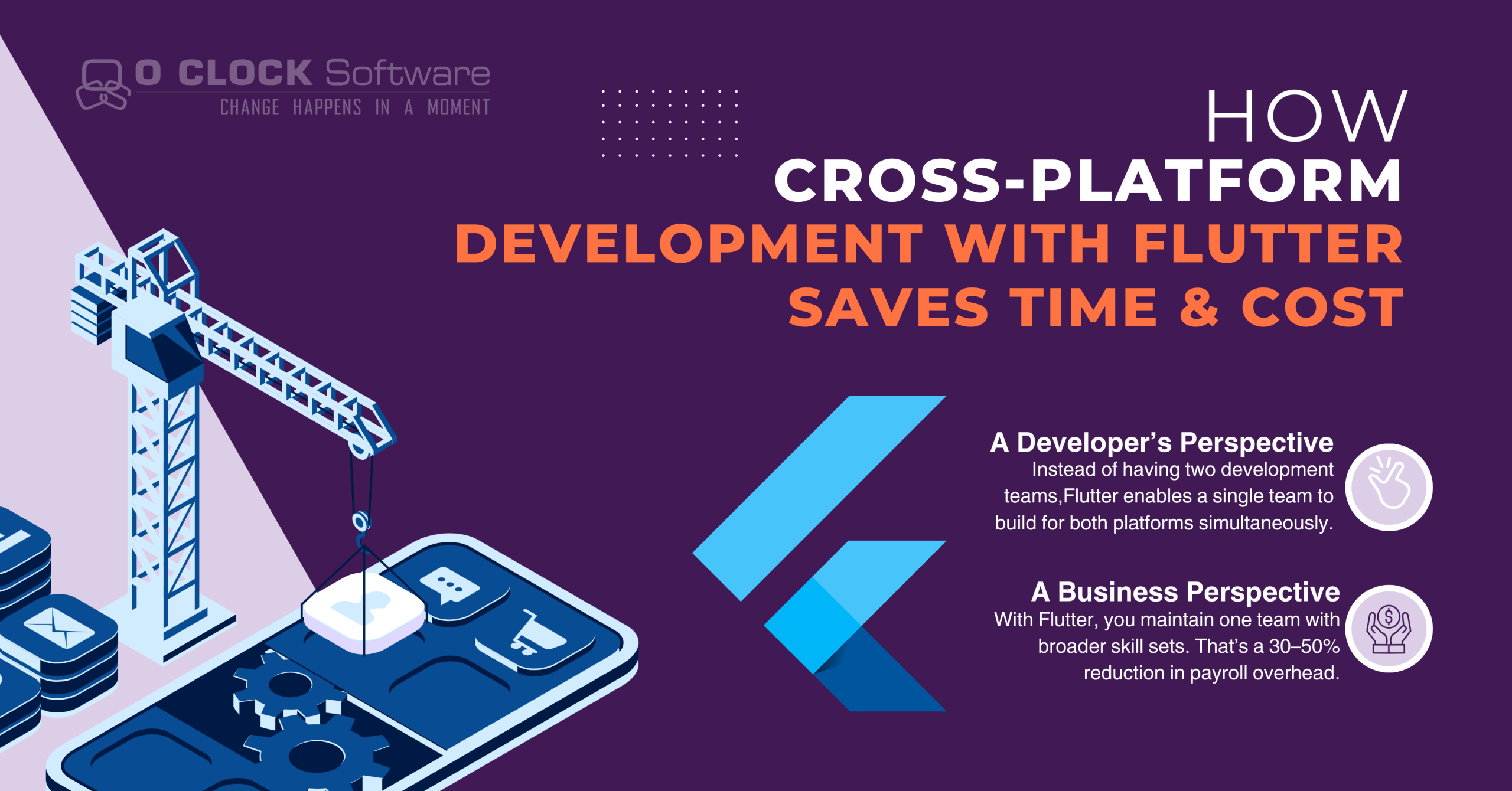
Instead of having two development teams writing separate code for iOS (Swift/Obj-C) and Android (Java/Kotlin), Flutter enables a single team to build for both platforms simultaneously.
Real Example:
Imagine you’re building a hotel booking app. With native, you’d create separate UIs, handle separate user flows, and duplicate logic.
With Flutter, the business logic, screens, and state management are shared — cutting development time in half.
2. Hot Reload = Instant Visual Feedback
Flutter allows real-time UI refresh without losing the current app state. This “Hot Reload” feature boosts developer productivity.
Example Use Case:
You’re tweaking the layout of a user registration screen. In native, you compile, deploy, and reload.
With Flutter? You tweak the code and see it instantly in your emulator or device — within milliseconds.
3. Fewer Bugs = Less Debugging Time
Since there’s one codebase, you reduce the surface area for bugs — no platform-specific inconsistencies.
For example:
A business logic issue (like discount rules in an e-commerce app) is fixed once — not in both iOS and Android separately.
4. Built-in UI Components = No Reinventing the Wheel
Flutter offers hundreds of customizable widgets, transitions, animations, and controls that look native across platforms.
Tip: This saves 2–4 weeks on every UI-heavy project.
How Flutter Saves Money: A Business Perspective
1. One Team vs Two Teams = Direct Payroll Savings
With native development, you’re paying for two developer teams, two QA teams, and often two project managers.
With Flutter, you maintain one team with broader skill sets. That’s a 30–50% reduction in payroll overhead.
2. Lower Maintenance Cost
Bug fixes, UI updates, version upgrades — in native, it happens twice. Flutter allows single-point maintenance, saving time and reducing long-term costs.
Example Scenario:
A bank needs to update its app to support biometric login. Flutter requires just one code-level change — versus two changes (and QA cycles) in native development.
3. Reduced Time-to-Market = Revenue Faster
Time saved is revenue earned. Beating your competitor to market by even 30 days can significantly impact user acquisition and investor interest.
Use Case:
You launch a ride-hailing app in Tier 2 cities before larger players do. Flutter allows you to build and scale fast across platforms, capturing early market share.
4. Easier MVP Validation
For startups and enterprises launching MVPs, Flutter provides just enough polish, performance, and flexibility to validate an idea before scaling it.
Example:
A startup launching a language learning app wants to validate with a small user base. Flutter gives you a beautiful prototype for less than half the native cost.
Let’s Talk Numbers — The Real Stats
| Metric | Native Apps | Flutter Apps |
|---|---|---|
| Codebase | 2 (iOS + Android) | 1 |
| Development Time (avg) | 6–9 months | 3–5 months |
| Developer Team Size | 6–8 people | 3–5 people |
| Cost of Maintenance (Annually) | ₹10L–₹12L | ₹5L–₹6L |
| Update Rollout Time | 3–4 weeks | 1 week |
When to Choose Flutter: Best-Fit Scenarios
Ideal for:
-
MVPs, startup products
-
E-commerce and retail apps
-
Healthcare & fitness tracking
-
Booking and service apps
-
Enterprise dashboards with mobile interface
-
Any app that doesn’t require deeply platform-specific integrations
Consider native if:
-
You require highly advanced device integrations (e.g., low-level camera processing or ARKit features)
-
Your app is already built in native and you only need minor updates
Business Use Cases Across Industries
-
Retail/E-Commerce – Launch mobile shopping experiences in half the time
-
Travel – One backend, one codebase to manage trip, ticketing, maps
-
Healthcare – Quick rollout of patient portals, appointment systems
-
FinTech – Unified UX and faster update cycles for sensitive apps
-
EdTech – Build Android and iOS student apps for your LMS in weeks
Pro Tips to Maximize Flutter’s Benefits
-
Use Firebase or Laravel for the backend to accelerate real-time sync
-
Adopt BLoC or Provider for better state management
-
Integrate tools like Figma to Flutter for rapid UI conversion
-
Consider modular architecture if planning for long-term scalability
Why Work With O Clock Software Pvt Ltd?
-
Specialized Flutter developers with real-world project depth
-
Agile-based delivery model with weekly checkpoints
-
Strong backend + UI/UX + QA team in-house
-
Trusted by global clients across Healthcare, Retail, and SaaS
-
We speak business goals first, then tech
Conclusion
Here we come to an end, with a clear breakdown of how Flutter app development can significantly reduce time and cost in 2025. As you’ve seen, it’s not just about using a cross-platform tool — it’s about understanding where and how to optimize your development journey.
From team structure to UI implementation, from hot reload to maintenance savings, Flutter offers a modern approach to mobile app development that aligns with business priorities: speed, efficiency, and value.
However, the final cost and timeline of your Flutter app still depend on multiple factors — like feature scope, backend integration, third-party services, and your long-term goals.
The smart move?
Start with a proper outline of your business requirements and choose the right team to evaluate, plan, and execute your Flutter app development process. That’s how you get results — on time, within budget, and beyond expectations.
If you’re looking to turn that idea into a powerful, scalable cross-platform app, we’re just a conversation away.
Let’s talk about your project today
📧 sales@oclocksoftware.com
🌐 www.oclocksoftware.com